Transforming AI Infrastructure: A Deep Dive into Cerebrium's Interactive Experience
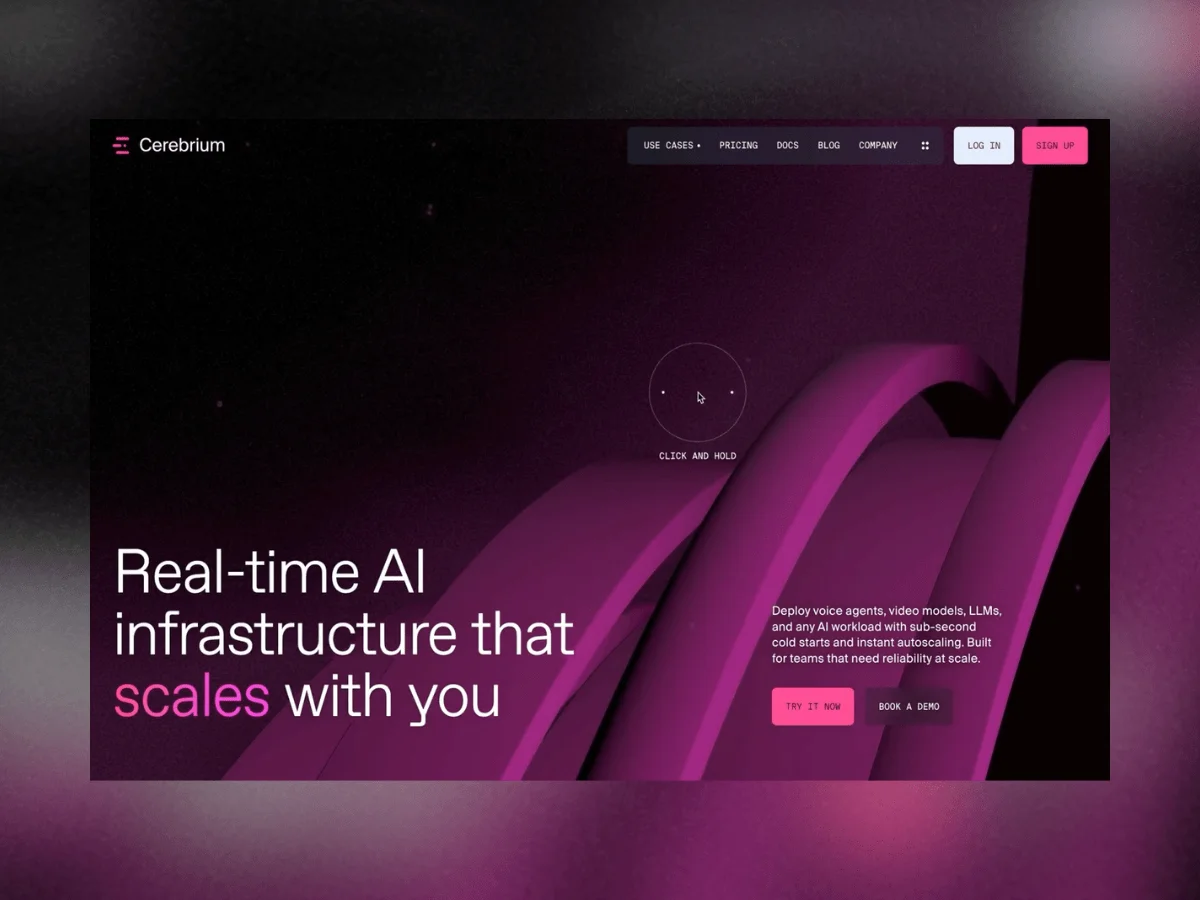
Explaining serverless infrastructure for AI can often come across as abstract and complex. Instead of relying solely on diagrams or lengthy texts, the creators behind Cerebrium sought to create a tangible experience that not only conveys functionality but also evokes intuition. Each interactive element was crafted to mirror the qualities of the product itself—speed, precision, modularity, and scalability. In this project, design is more than a narrative support; it becomes the narrative itself.
The Technical Framework
- Cinema 4D / Redshift / Blender—Tools for 3D asset creation and animation.
- Three.js r183.2—Framework for WebGL rendering.
- GSAP—Library for animations and transitions.
- Makio MeshLine—Utilized for rendering animated 3D paths.
Exploring WebGPU Integration
Insights from Mathis Biabiany
Initially, the rendering layer was built using Three.js’s WebGPURenderer combined with TSL (Three.js Shading Language). The experience was streamlined and enjoyable, allowing for composable JavaScript node graphs rather than the cumbersome management of multiple GLSL files. However, challenges arose with the expansiveness of Cerebrium's environments, impacting load times—potentially requiring upwards of twenty seconds before rendering started, a fact that became untenable.
Although later releases of Three.js have improved the shader compilation process significantly, it was too late for this project. A significant decision was made to revert to WebGLRenderer to ensure robust performance and acceptable startup times.
Migrating Back to WebGL
While maintaining the overall architecture, transitioning to WebGL necessitated explicit handling of materials and shaders. Traditional Three.js materials replaced TSL Node Materials, and custom GLSL code was injected using onBeforeCompile(). A GPGPU system facilitated particle simulations, while post-processing was reconfigured with EffectComposer.
This migration underscored a key realization: seemingly identical shaders could yield starkly different results due to variations in how they processed lighting, blending equations, and more. Hence, meticulous recalibration ensured that the final visuals aligned closely with the original artistic intent.
Designing the Visual Experience
Illuminating Networks
Insights from Célia Lopez
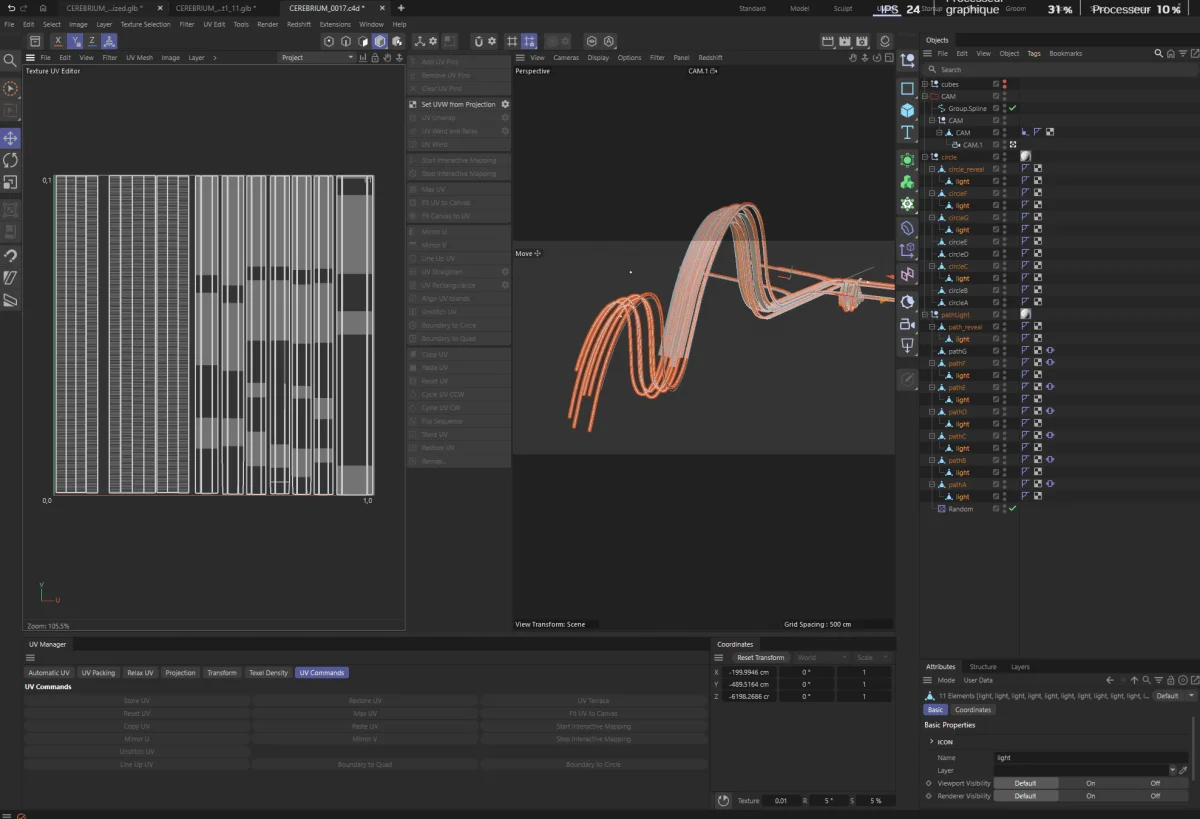
With animated objects populating several scenes, traditional lighting techniques weren’t viable. To navigate this challenge, simple helper cubes from Cinema 4D guided the accurate placement of lights, proving that sometimes the simplest tools yield the greatest efficiencies.
Creating a Sense of Motion
Insights from Mathis Biabiany
A standout feature is the animated network of glowing paths. The movement is an illusion created by shader manipulation; static meshes contribute to a dynamic experience without moving objects. Each path's unique UV unwrapping creates a flowing effect as if energy pulses through them. Randomized parameters for speed and intervals introduce an organic feel into the network animation.
Shared Environments and Color Consistency
To maintain cohesion, a custom purple HDRI from Poly Haven was employed as the environment map, harmonizing reflections and color tones across various scenes. Such consistent lighting helps unify aesthetics, essential for distinct environments to feel interconnected.
Performance Optimization Strategies
Maintaining performance while achieving visual fidelity presented significant challenges. Highly subdivided geometries were necessary to ensure smooth paths, yet they risked computational strain. For delivery, optimization tools like Draco were utilized, but significant polygon reductions due to automatic simplifications were problematic. A dual-model approach was employed to optimize without sacrificing visual quality.
Baking Camera Animation
Baking camera movements directly from Cinema 4D provided precise control over timing and synchronization with other experiences, eliminating interpolation discrepancies across platforms.
Interactive Elements Representing Security
Insights from Mathis Biabiany
One vivid area focuses on security, visualized by an almost ethereal shield rather than conventional icons. The Fresnel effect gives a dynamic quality, with surfaces showing varying brightness based on camera angles. Animated noise enhances this illusion, while a raycaster tracks interactions, illuminating surrounding areas as users engage with the shield. This nuanced feedback embodies a sense of protection and interactivity.
Team Contributions
Creative agency – KOKI-KIKO
Strategy – Kim Levan
Creative Direction – Louis Paquet
3D Art – Célia Lopez
Development – Deven Caron, Pier-Luc Cossette
WebGL Development – Mathis Biabiany